Product Demonstration

See how My Brick works

A guided look at the buyer experience and the professional workspaces behind it. Every property, person, and record on this page is illustrative.

DEMONSTRATION PROPERTY — NOT AVAILABLE FOR SALE

Demonstration content is not part of real listings, search results, or any customer records.

1 · Property presentation

A listing page built to be explored

Large photography, key facts, and the experiences a listing team has enabled—all in one view.

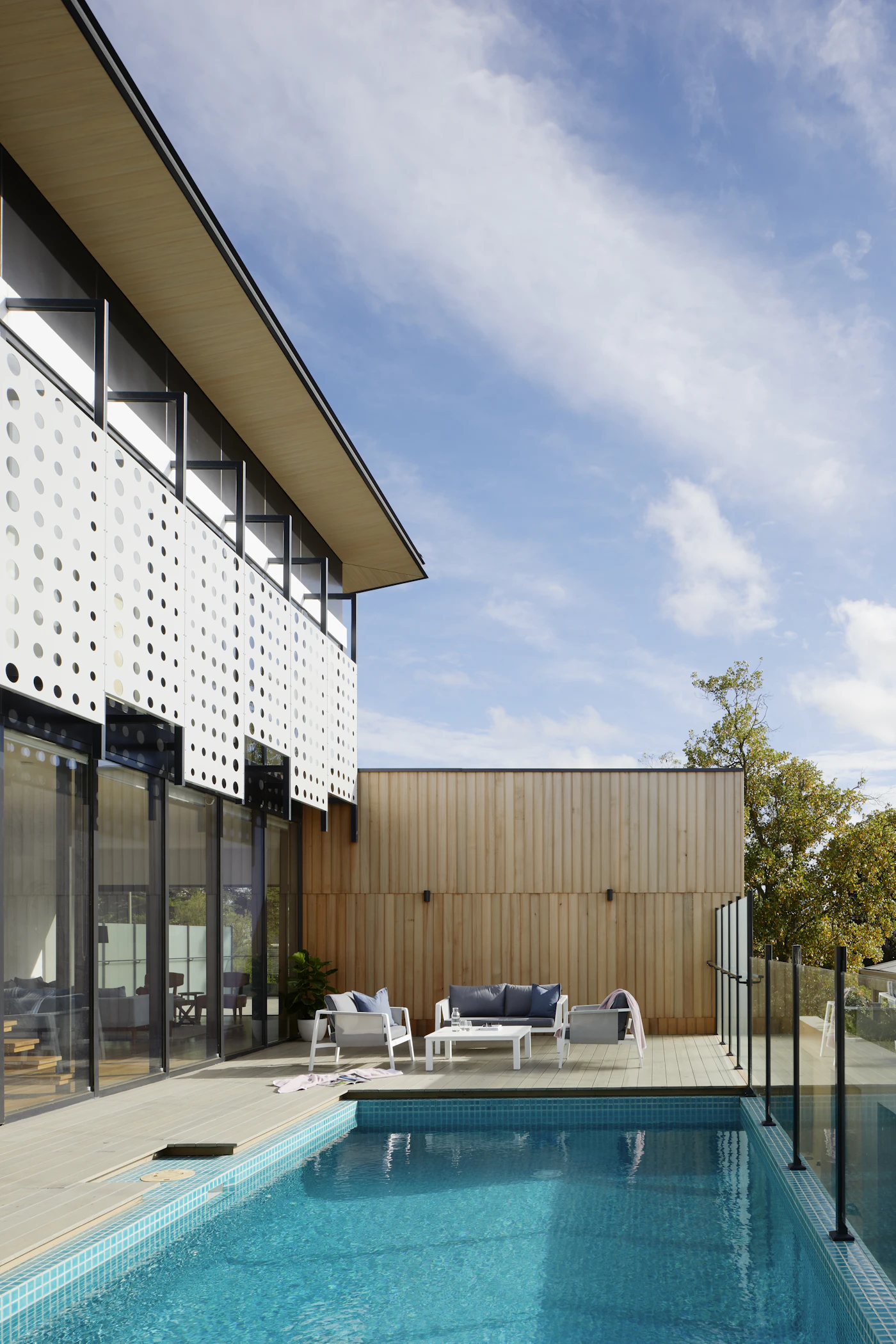
Exterior — demonstration propertyDEMONSTRATION PROPERTY — NOT AVAILABLE FOR SALEExterior
DEMONSTRATION PROPERTY — NOT AVAILABLE FOR SALE

Modern Family Residence

Illustrative example — no price, address, or availability.

Property type
Detached
Bedrooms
5
Bathrooms
4
Interior
4,200 sq ft
Parking
2-car garage
Address
Withheld — demonstration property

Enabled experiences

Virtual TourAI AssistantLive Open House

On a real listing, buyers can also save the home, message the listing team, register for open houses, and request showings. Those actions are not available on demonstration properties.

2 · Immersive virtual tour

Walk the home, room by room

Follow the guided path, jump anywhere with the room map, and tap hotspots for details.

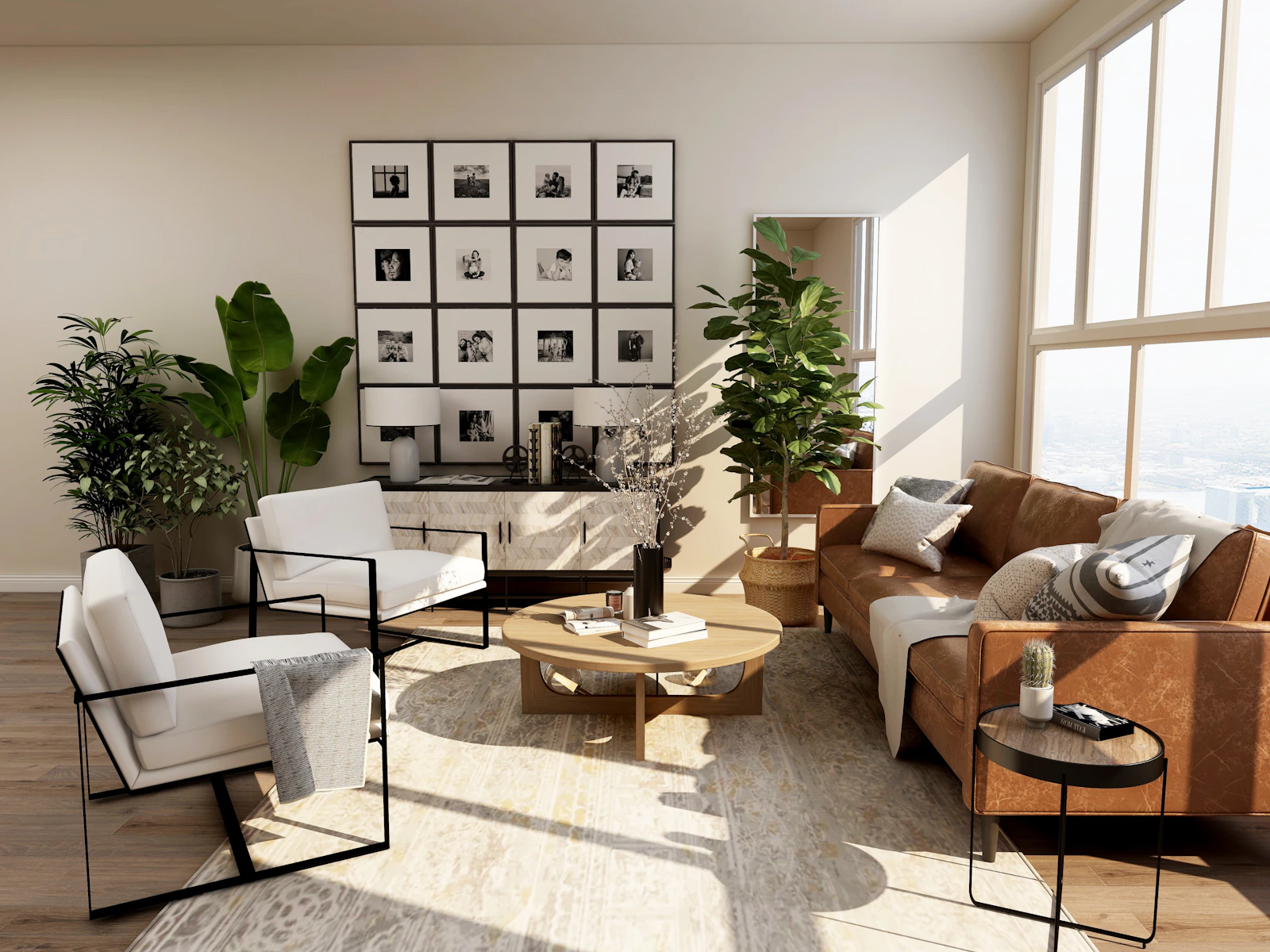
Living room — demonstration property
DEMONSTRATION PROPERTY — NOT AVAILABLE FOR SALE

Main floor

Living room

Guided tour progress

Room 1 of 5

Room map

Simplified preview using still photos. Real MyBrick tours use each listing team's own tour media, with guided paths, a room map, and hotspots.

3 · AI property assistant

Answers buyers can trust

The assistant answers from the details a listing team provides, and says so when it can't.

Grounded in the listing

Answers use the published listing details and the FAQs the listing team adds for the assistant.

Honest about gaps

It won't invent prices, taxes, schools, measurements, or availability. When something isn't covered, it says so.

Right inside the tour

Buyers can ask questions while they walk through the home, then message the team or request a showing.

AI Property Assistant

Scripted example · demonstration property

Buyer

Does this home have hardwood flooring?

AI

Yes. The listing details note engineered oak hardwood throughout the main living areas.

Buyer

How old is the roof?

AI

The listing team hasn't provided the roof's age, so I can't confirm it. You can message them or request a showing to ask directly.

Buyer

Is there parking?

AI

Yes. The details list a two-car attached garage.
Scripted example — not a live AI session

4 · Live open houses & private showings

Meet buyers live, or one on one

Host group sessions online, and handle private showing requests without back-and-forth email.

Virtual open house preview
DEMONSTRATION PROPERTY — NOT AVAILABLE FOR SALE
Live Virtual Open House

Modern Family Residence

Sample event — the host's real date and time appear here.

  1. 01

    Host schedules

    The listing team creates an open house with a date, time, and live session link.

  2. 02

    Buyers register

    Buyers find it on the Virtual Open Houses page and RSVP after signing in.

  3. 03

    Join when live

    When the host starts the session, registered buyers can join from MyBrick.

  4. 04

    Follow up

    Attendee interest can become a lead for the listing team to follow up.

See real upcoming open houses

Showing Requests

A host's day at a glance

Sample data — illustrative only
PendingApprovedConfirmedReschedule requested

10:00 AM · Virtual

Confirmed

11:30 AM · In person

Pending

1:00 PM · Hybrid

Approved

2:30 PM · Virtual

Reschedule requested

4:00 PM · In person

Confirmed

5:30 PM · Virtual

Pending

Private virtual showings

  1. 01

    Buyer requests

    Choose an in-person, virtual, or hybrid showing and suggest a time.

  2. 02

    Host responds

    Approve, confirm, decline, or ask to reschedule.

  3. 03

    Everyone stays aligned

    Both sides see the same status until the showing is completed.

5 · For agents

Manage listings and leads in one workspace

Run every listing from one workspace—from media and tours to the buyers who engage with them.

  1. 01

    Create the listing

    Add details, photos, and media, then publish when ready.

  2. 02

    Add a tour and assistant

    Build a room-by-room tour and give the AI assistant approved FAQs.

  3. 03

    Host and show

    Schedule open houses and manage private showing requests.

  4. 04

    Work your leads

    Inquiries, tour interest, and showing requests arrive as leads you can score and track.

  • Listings
  • Virtual Tours
  • AI Assistants
  • Open Houses
  • Private Showings
  • Leads
  • Messages
  • Analytics

Smart Lead Management

Buyer pipeline

Sample data — no real buyers
NewContactedQualifiedShowing scheduled

Sample buyer A

Source: Showing request · Showing scheduled

hot

Sample buyer B

Source: Virtual tour · Contacted

warm

Sample buyer C

Source: AI assistant · New

medium

Sample buyer D

Source: Open house · Needs follow-up

cold

6 · For brokerages

Brokerage operations at a glance

See your agents, their listings, and buyer engagement across the organization.

Dashboard

An overview of the brokerage's activity on MyBrick.

Agents

Manage the agent roster connected to your organization.

Listings

See listings across your agents in one place.

Engagement

Review how buyers engage with brokerage listings.

Analytics

Track listing and engagement performance over time.

Organization

Keep your brokerage profile and details up to date.

Brokerage workspaces are set up with our team. Contact us to get started.

New development under construction
Demonstration development — not available for sale
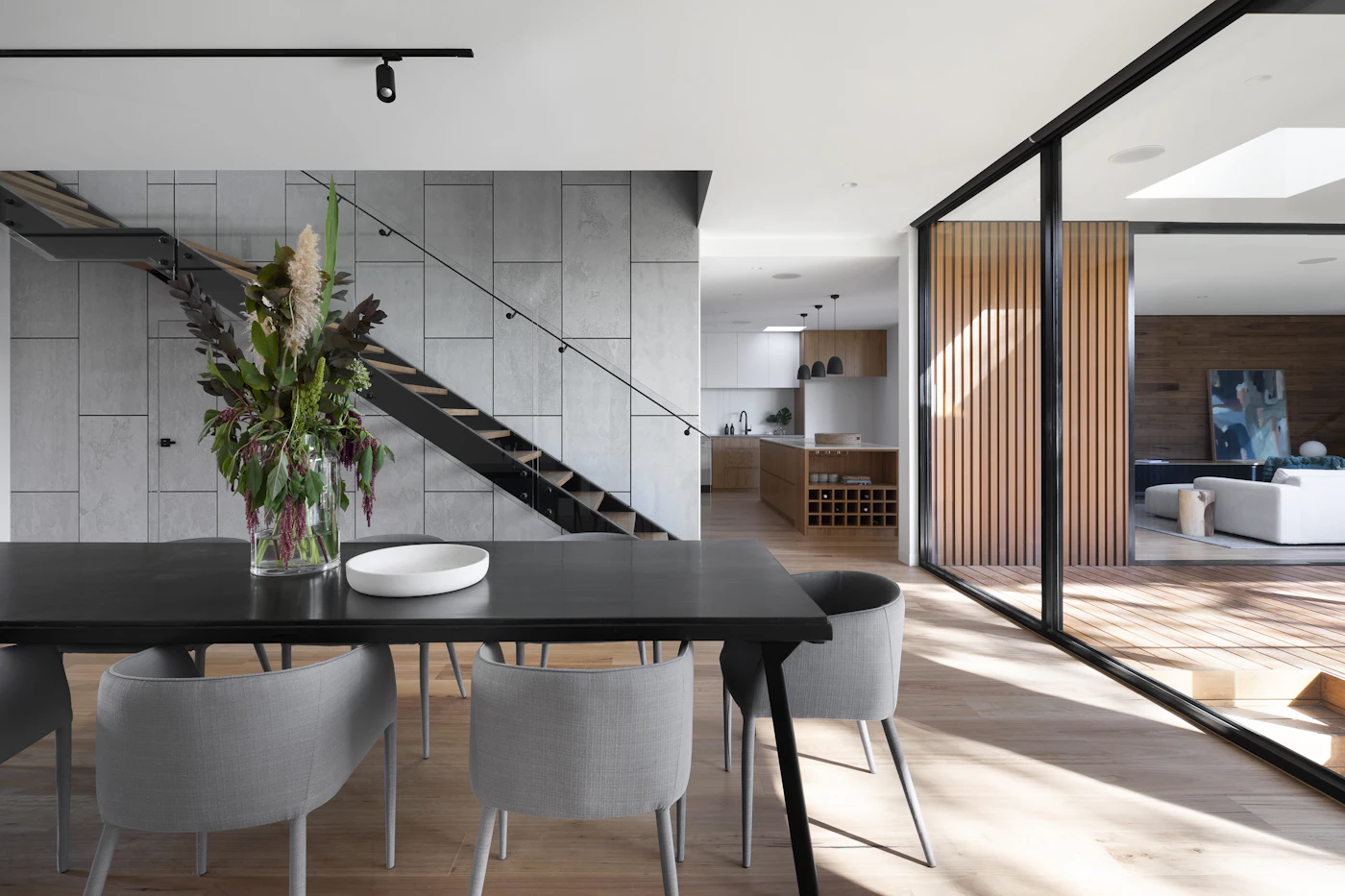
Model home — demonstration property

Model home

New-Build Model Home

7 · For builders

Present developments from plan to model home

Present projects and inventory with floor plans and tours, and route buyer interest to your sales team.

  1. 01

    Projects

    Present each development with its own profile and media.

  2. 02

    Inventory

    Organize available units and models within a project.

  3. 03

    Floor plans

    Attach floor plans so buyers can compare layouts.

  4. 04

    Tours & AI

    Add virtual tours and an AI assistant to model homes.

  5. 05

    Showings & leads

    Route showing requests and leads to your sales team.

Talk to us about builder access

Ready for the real thing?

Explore MyBrick for real

Browse listings published by sellers and professionals, or create an account to list and host.

DemoNot real listings — not for sale.Browse actual listings